If you’ve been Googling free digital planner for iPad 2026 and ended up more confused than when you started — I get it.
There are SO many options out there. And half of them look pretty but fall apart the moment you actually try to use them.
I’ve spent the last six years designing planners and journals for women, men, nurses, educators, and professionals. I’ve seen what works. And I’ve seen what looks good in a mockup but collects dust on your iPad after day three.
This guide is the honest breakdown. What to look for, what to skip, and where to grab a free 2026 planner PDF that you’ll actually open every single day.
- Why So Many People Are Switching to a Digital Planner in 2026
- What Makes a Free Digital Planner for iPad Actually Good
- Free Digital Planner for iPad 2026: What's Included in a Great One
- Best Digital Planners for Students in 2026
- How to Set Up Your Free Digital Planner for iPad in GoodNotes
- Digital Planner PDF vs Paper Planner: The Honest Comparison
- Goal PlannerTemplate
- FAQs About Free Digital Planners for iPad 2026
- Ready to Start Planning? Grab Your Free 2026 Planner PDF
- Goal PlannerTemplate
Why So Many People Are Switching to a Digital Planner in 2026
Paper planners are great. I love paper. But they have one giant flaw: you can’t carry six months of notes, goals, habit trackers, and daily schedules in your back pocket without it weighing 10 pounds.
A digital planner for iPad fixes that. Everything lives in one place. You can zoom in, write with your Apple Pencil, flip between pages in seconds, and never lose a sticky note again.
Here’s what’s pushing people toward digital planning in 2026:
- iPads are everywhere. More people own them than ever, and apps like GoodNotes and Notability have gotten really good.
- Sustainability. No paper waste, no buying a new planner every January when you realize the layout doesn’t work for you.
- Flexibility. Want a weekly layout? Daily? Monthly overview? A good digital planner lets you switch without starting over.
- Searchability. Can’t find that meeting note from three weeks ago? Search it. Done.
And the best part? You don’t have to pay for any of this upfront. A solid free digital planner PDF gets you started without risking a penny.
What Makes a Free Digital Planner for iPad Actually Good
Not all free planners are created equal. I say this as someone who has built dozens of them.
Here’s what separates a genuinely useful digital planner 2026 from one that looks pretty on a product page:
Hyperlinked Tabs
This is non-negotiable. If you have to swipe through 50 pages to get to your weekly spread, you’ll stop using it within a week. Tabs that actually tap and jump to the right section? That’s the difference between a planner you use and one you forget.
A Layout That Fits How You Think
Some people are weekly planners. Some live and die by daily schedules. Others need a big monthly view to feel grounded. A good digital planner PDF has all three — and lets you move between them without friction.
Apple Pencil Friendly Design
Writing boxes that are too small, lines that are too close together, or backgrounds that fight your handwriting — these kill the experience. Look for clean, spacious layouts with enough room to actually write.
Works in GoodNotes or Notability
A free digital planner GoodNotes compatible file should import cleanly, keep all its links working, and look sharp on your screen. Always test before you commit to a layout.
Want to see what this looks like in practice? Check out the best digital planners that actually work for real life — a full breakdown of what makes a planner worth your time.
Free Digital Planner for iPad 2026: What’s Included in a Great One
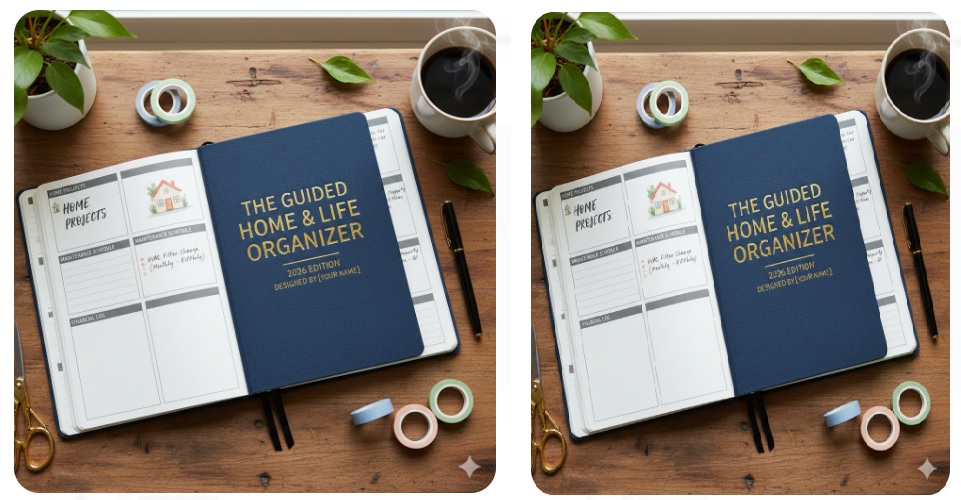
When I designed the free 2026 digital planner PDF download at Guided Planners, I thought about the person who would actually use it every day.
Here’s what a complete 2026 planner PDF should include:
- Monthly calendars for all 12 months of 2026
- Weekly spreads with room for priorities, tasks, and notes
- Daily pages for people who need hour-by-hour structure
- Goal planning pages so January goals don’t disappear by February
- Habit trackers because consistency is everything
- Hyperlinked navigation so you can jump between sections instantly
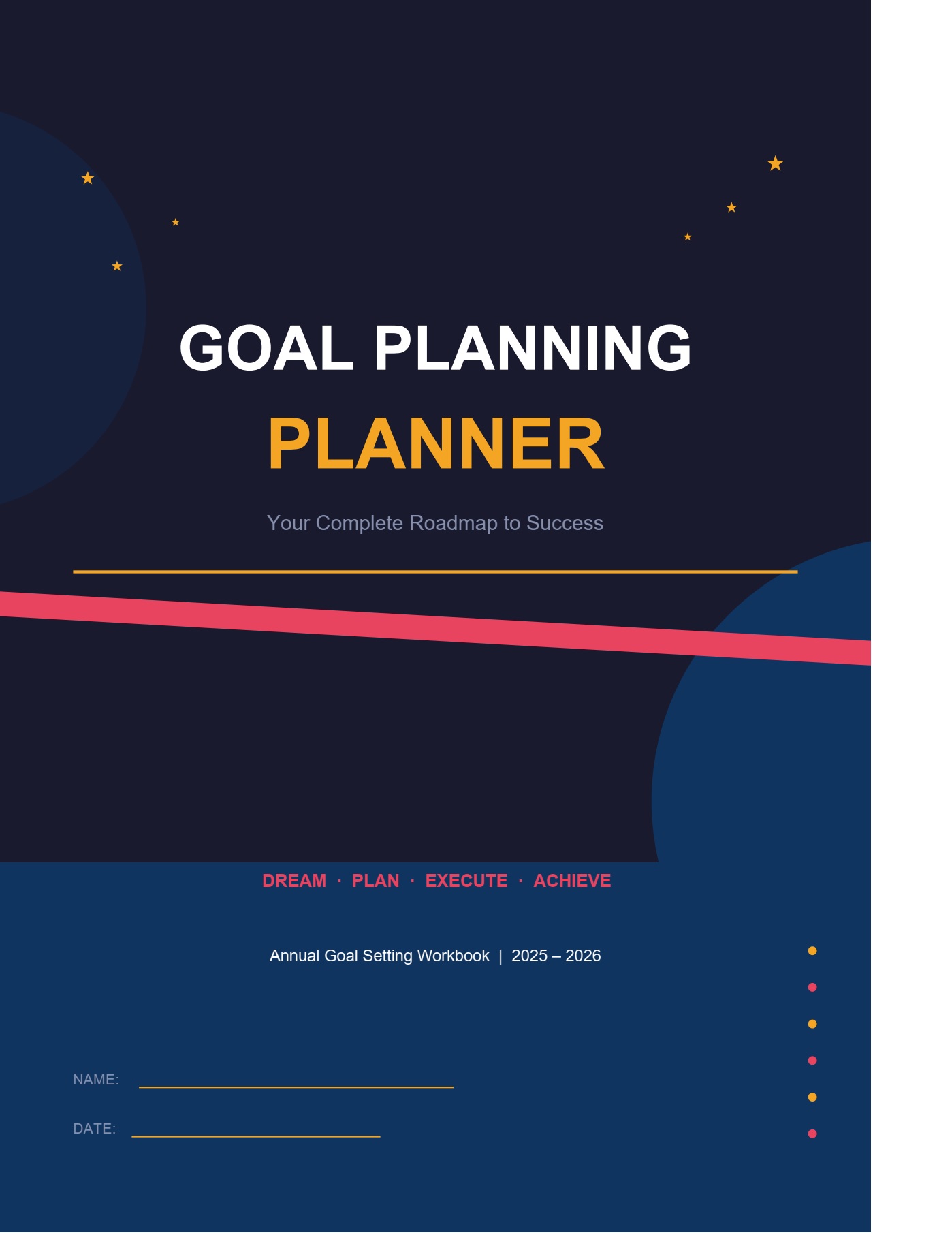
If you’re focused on goals alongside your daily planning, the goal planning planner template free PDF is worth bookmarking too. It pairs really well with a daily or weekly setup.
Best Digital Planners for Students in 2026
Students have specific needs that most general planners don’t cover well.
If you’re in school — whether that’s high school, college, or grad school — your planner needs to handle assignment deadlines, exam prep, study blocks, and personal life all at once.
The best digital planners for students share a few things in common:
- A semester overview page so you can see the whole picture
- Subject-specific note sections
- A weekly layout with time blocks for studying
- Space for both academic and personal tasks on the same page
The biggest mistake students make? Getting a planner that’s too complicated. You don’t need 40 sections. You need three or four layouts that cover your actual life.
For a deeper look at what’s working in 2026, top digital planners in 2026 covers the current options worth your attention.
How to Set Up Your Free Digital Planner for iPad in GoodNotes
You’ve downloaded your free digital planner for iPad. Now what?
Here’s the fastest way to get set up:
- Open GoodNotes and tap the + button to add a new notebook
- Choose “Import” and select your downloaded PDF file
- Tap the cover to open your planner
- Test your hyperlinks — tap a tab and make sure it jumps to the right page
- Set your Apple Pencil to the pen tool and pick a color that feels like yours
That’s it. You’re in business.
One tip I always share: spend 10 minutes on a Sunday setting up the coming week. That single habit changes how you use your planner completely.
Digital Planner PDF vs Paper Planner: The Honest Comparison
I still think paper planners have a place. But here’s the real side-by-side:
- Cost: A free digital planner PDF costs nothing. A quality paper planner runs $20 to $60+, and you buy a new one every year.
- Portability: Your iPad holds your planner, your notes, your research, and your photos. A paper planner is just the planner.
- Flexibility: Made a mistake? Erase it. Need more space? Zoom in. Paper doesn’t bend that way.
- Feel: Writing on paper has a texture that some people really love. An Apple Pencil on a glass screen is close, but not identical.
- Search: Digital wins here completely. You can search a typed note, a PDF annotation, or even handwritten text in some apps.
The truth? It comes down to your workflow. But if you’ve never tried a digital planner 2026, a free version is the perfect test run.
Check out best digital planners for a curated list of options across price ranges and styles.
Goal Planner
Template
Your free PDF is one step away
Get instant access — it’s 100% free
Enter your details and we’ll send it straight to your inbox.
You’re in!
Check your inbox — your free Goal Planner PDF is on its way.
FAQs About Free Digital Planners for iPad 2026
Is a free digital planner for iPad actually good quality?
Yes — if you get it from a designer who knows what they’re doing. The free 2026 digital planner PDF download from Guided Planners includes full hyperlinks, multiple layouts, and a clean design that works in GoodNotes and Notability.
Do I need a specific app to use a digital planner PDF?
GoodNotes 5 or GoodNotes 6 is the most popular choice for a free digital planner GoodNotes setup. Notability works too. Both are on the App Store — GoodNotes has a free tier to get you started.
Can I use a digital planner without an Apple Pencil?
You can type into it using your keyboard, but most people find the Apple Pencil experience way more satisfying. Even the first-generation Pencil works great.
Will the hyperlinks work after I import the PDF?
Yes, as long as you import the file correctly as a PDF into GoodNotes — not just open it as a preview. The hyperlinks are baked into the file and will stay active.
What’s the difference between a 2026 digital planner and a regular PDF?
A regular PDF is static — you just read it. A digital planner PDF is designed specifically for annotation apps. It has clickable navigation, writeable pages, and a layout built around how planning actually works.
Ready to Start Planning? Grab Your Free 2026 Planner PDF
Six years of planner design has taught me one thing above everything else: the best planner is the one you’ll actually use.
A gorgeous planner sitting in your Downloads folder helps nobody.
So start simple. Download the free digital planner for iPad 2026, load it into GoodNotes, and spend one Sunday getting set up. See how it feels after two weeks.
If it works for you — great. If you want to level up, you’ll know exactly what features you’re looking for.
The free digital planner for iPad 2026 is waiting. Go get it.
Goal Planner
Template
Your free PDF is one step away
Get instant access — it’s 100% free
Enter your details and we’ll send it straight to your inbox.
You’re in!
Check your inbox — your free Goal Planner PDF is on its way.