Finding a planner that actually works for your real life — not your ideal life — is harder than it sounds.
I know because I’ve been designing, testing, and building planners for over 5 years.
I’ve watched people buy beautiful planners, use them for three days, and abandon them by week two.
I’ve seen professionals download 15 different productivity apps and still miss deadlines.
I’ve worked with nurses, teachers, busy moms, and entrepreneurs who all said the same thing:
“I’ve tried everything. Nothing sticks.”
So let me tell you exactly why most planners fail — and what a planner that actually works looks like.
Why Most Planners Don’t Work (And It’s Not Your Fault)
Here’s the hard truth.
Most planners are designed to look good, not to function well.
They’re made for Instagram photos, not Monday mornings.
The problem usually falls into one of three categories:
1. Too much blank space
A blank page feels freeing at first. Then Sunday night comes and you stare at it and write nothing because you don’t know where to start.
2. Too complicated
Twelve sections per day. Color coding systems. Monthly, quarterly, and annual reviews all before you’ve planned a single task.
Most people burn out on setup before they ever experience the benefit.
3. No connection between goals and daily tasks
You write big dreams on page one. Then you flip to Monday and there’s just a to-do list with zero connection to those dreams.
That disconnect is why so many people feel busy all day and still feel like they accomplished nothing.
A daily planner that actually works solves all three of these. Simple structure. Clear prompts. Goals connected to daily action.
What a Planner That Actually Works Has to Include
I’ve tested enough systems to know what separates a planner you use from one you don’t.
Here’s the non-negotiable list:
- Daily planner page with time blocking, a to-do list, and top 3 priorities
- Weekly planner layout with a weekly review and weekly schedule overview
- Monthly calendar for big picture planning and monthly review
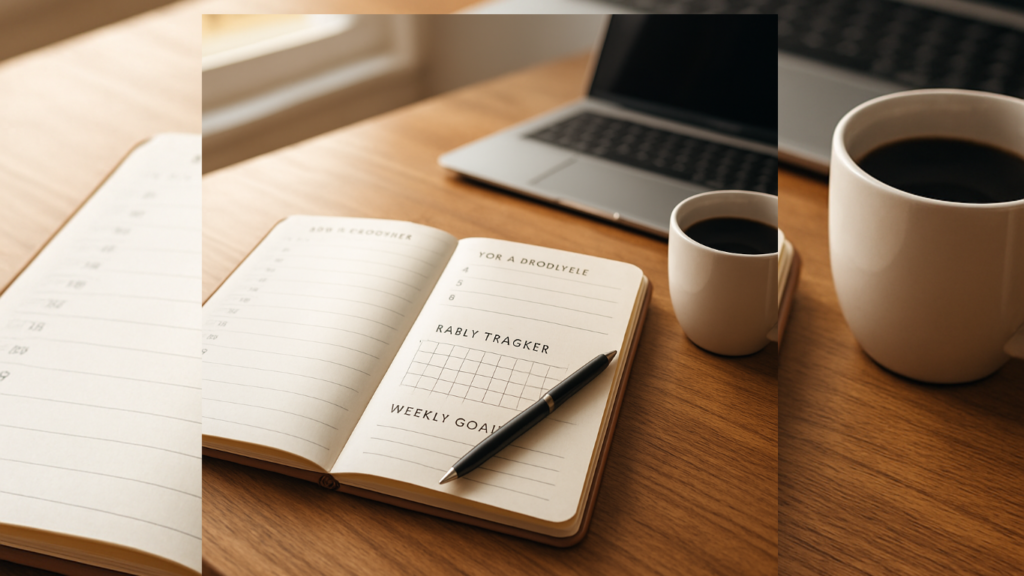
- Habit tracker — daily, weekly, and monthly check-ins in one place
- Goal setting pages that connect your long-term goals to your weekly actions
- Printable checklists for recurring tasks and household management
- Morning routine planner and evening routine planner sections
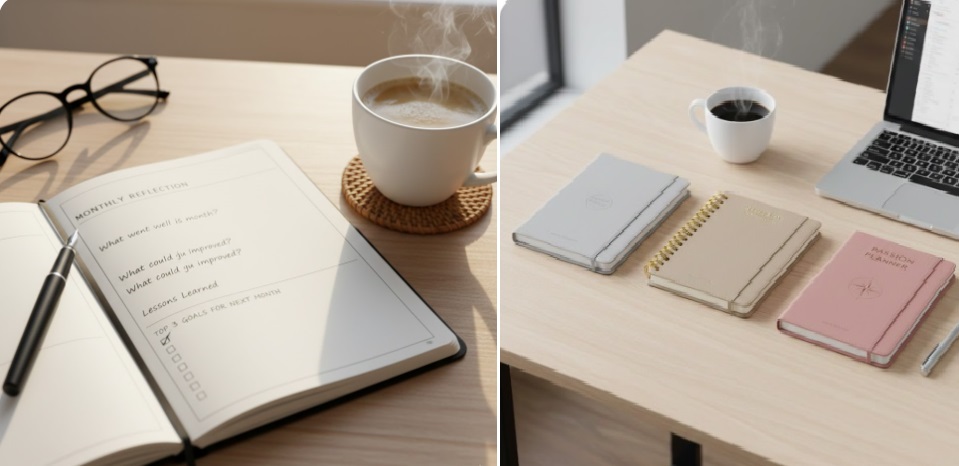
- Space for reflection — not just tasks, but how you’re actually doing
That’s it.
No elaborate setup. No color coded key system. No 47 different sections.
Just a productivity planner built around how real people actually work.
The Free Daily Planner That Actually Works — Right Now
Before I go any further, I want to point you to something practical.
I built a free digital planner specifically to solve the “nothing sticks” problem.
It covers every section I just listed.
Daily schedule. Weekly planner. Monthly calendar. Habit tracker. Goal tracker. Printable checklists.
No subscription. No credit card. Just a free PDF download you can start using today.
Get the free digital planner at Guided Planners →
Use it as a printable planner or load it into GoodNotes or Notability on your iPad. Both work.
Daily Planner That Actually Works: The Exact Layout I Recommend
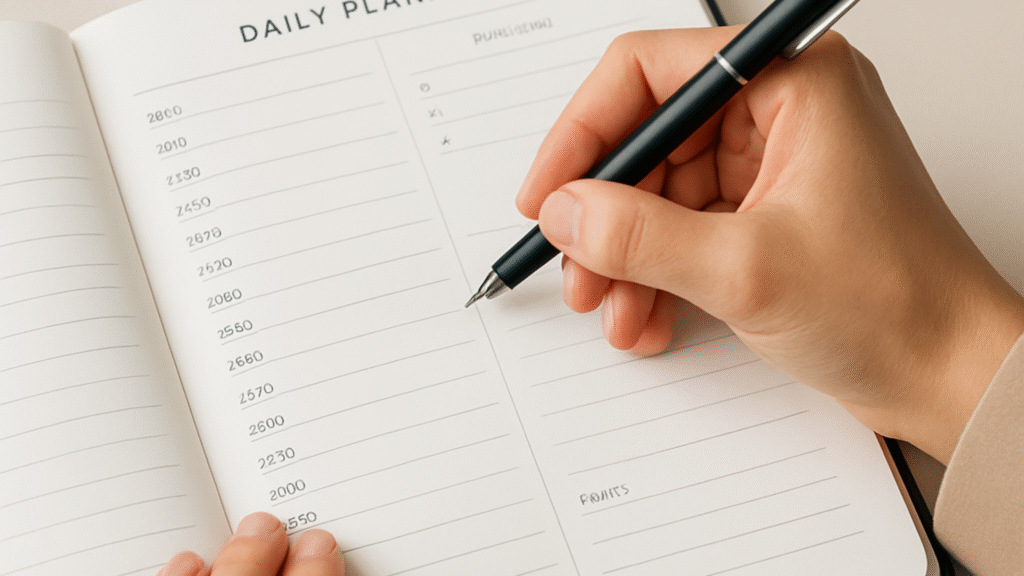
Let me walk you through how I structure a daily planner page that people actually use.
Morning (5 to 10 minutes):
- Write your top 3 priorities for the day — not 10, not 20. Three.
- Time block your schedule in rough 90-minute chunks
- Check your habit tracker and confirm which habits you’re targeting today
- Review one goal from your goal setting pages
During the day:
- Use your to-do list section for every task that comes up
- Mark items as done in real time, not at the end of the day
- Use your appointment tracker to flag any meetings or deadlines before they sneak up on you
Evening (5 minutes):
- Evening routine planner check-in: what got done, what didn’t
- One line of reflection — a gratitude journal prompt or a “what would I do differently” note
- Prep tomorrow’s top 3
That’s a complete daily planning system.
The whole thing takes under 20 minutes combined.
A friend of mine — a working mom of two with a full-time remote job — told me she spent more time setting up her old planning app than actually planning.
She switched to a simple printable planner with this exact daily structure.
Six weeks later she said it was the first time in years she felt on top of her week.
That’s the point.
Weekly Planner That Actually Works: The Sunday System
If you only do one planning habit, make it this one.
Every Sunday, spend 20 minutes on your weekly planner.
Here’s the exact system:
- Open your weekly schedule page
- Write every appointment, deadline, and commitment for the coming week
- Assign your top 3 goals for the week — not your full goal list, just three
- Time block at least your Monday through Wednesday in advance
- Do a quick weekly review of the week that just ended — what moved forward, what stalled
That weekly review step is the one most people skip.
It’s also the one that makes the biggest difference.
When you review last week, you stop making the same mistakes. You start seeing patterns. You adjust your schedule organizer before the week ambushes you.
The weekly planner that actually works isn’t about perfection. It’s about showing up to Monday with a plan instead of a panic.
Best Planner for Work and Personal Life Combined
One of the most common questions I get:
“How do I keep my work planner and personal planner from becoming two separate chaos systems?”
My answer: you don’t keep them separate.
The best planner for work and personal life runs on one unified weekly schedule.
Here’s why.
Your brain doesn’t switch off “work mode” at 5pm and turn on “personal mode.” Your energy, focus, and stress levels are shared across both.
If you’re stressed about a work deadline, it bleeds into your personal life. If you’re dealing with a family situation, it bleeds into your work.
A unified life planner that combines your work planner, personal planner, and self-care planner in one place lets you see the whole picture.
You can see that Wednesday is overloaded before Wednesday destroys you. You can protect personal time by blocking it the same way you block a work meeting.
The free planner at Guided Planners is built around this unified approach.
One planning system for your whole life.
Best Planner for Specific Life Situations
Here’s something the “best planner app free” listicles won’t tell you:
The right planner depends entirely on your life situation.
A student needs a different planner than a nurse. A new homeowner needs different pages than someone planning a wedding.
Let me match you to the right option.
For Busy Moms
A general daily planner will not survive mom life.
You need something designed around family management, household tasks, meal planning, and self-care all in one system.
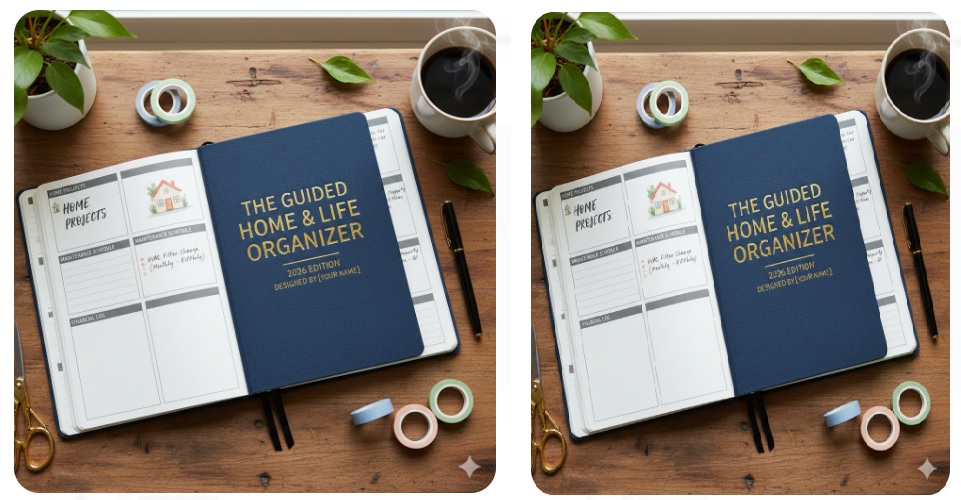
The Daily & Weekly Planner for Busy Moms is a 100-page organized mom planner built around real family life — not a fantasy version of it.
It covers task management, goal setting, time management, and family scheduling in one clean planner.
For Habit Building and Goal Tracking
If your main struggle is consistency — not knowing what to do, but actually doing it every day — a standalone habit tracker is worth it.
The Habit Tracker Journal Planner — Daily, Weekly & Monthly combines a goal setting notebook with daily, weekly, and monthly habit tracking.
It’s one of the most used planners in my lineup because consistency is the thing most people struggle with most.
For Burnout and Mental Health
If you’re exhausted, overwhelmed, or running on stress — a productivity planner is the wrong tool.
You don’t need to do more. You need to recover first.
The Burnout Recovery Planner is 120+ pages of daily check-ins, stress management tools, therapy-informed worksheets, and a self-care planner system built for adults dealing with anxiety and burnout.
This one is different from every other planner I’ve designed. It starts with how you feel, not what you have to do.
For Home Projects and Renovation Budgets
Home improvement projects kill budgets when there’s no system tracking costs.
The Budgeting & Expense Tracking for Home Projects — DIY & Renovation Planner gives you a financial planner and project planner built specifically for home renovation.
Budget tracking, expense tracker, contractor notes, and a project timeline in one place.
For Moving Homes
Moving is stressful by default.
The Home Moving Planner Checklist & Budget Tracker removes the chaos with a large moving organizer that covers every task from 8 weeks out to move-in day.
Printable checklists, budget tracking, supplies list, and a full moving timeline.
For First-Time Homeowners
The first year of owning a home comes with a learning curve most people aren’t prepared for.
The First Time Homeowner Planner covers maintenance schedules, home organization, household budget tracking, and renovation planning — all in one planner built for new owners.
For Wedding Planning
Wedding planning without a dedicated system is just coordinated stress.
The Mother of the Bride Organizer Planner gives one of the most important people in the wedding a dedicated planning system for timelines, tasks, and coordination.
Clever Fox Planner, Best Planner Apps, and How They Compare
Let me address the comparison questions I see constantly.
Clever Fox Planner
The Clever Fox Planner is solid. Good design, goal-focused structure, and it works for people who like quarterly planning systems. It’s undated, which some people love and some people hate. The layout is slightly busier than what I build, but it’s a legitimate option for goal-driven planners.
Best planner app free for Android
TickTick is my top free recommendation for Android users. Strong daily planner, habit tracking, calendar sync, and a clean to-do list format. Todoist is a close second for task management. If you want something app-based and Android-friendly with zero cost, start there.
Best planner app free overall
Google Calendar plus a simple printable daily planner. That combination beats most paid apps because it covers scheduling on one side and intentional daily planning on the other. The free download at GuidedPlanners covers the printable side.
Best daily planners for work
For professional use, I recommend combining a digital task manager (Todoist or TickTick) with a printed daily planner page for focus work. The digital tool handles recurring tasks and team-facing deadlines. The physical planner page handles your own daily priorities and deep work blocks.
Best daily planner 2026
The one that matches how you actually work — not how productivity influencers say you should work. For most people that means simple, fast to fill in, and connected to their real goals. My free planner at Guided Planners fits that criteria and costs nothing to try.
ADHD Planner That Actually Works
If you have ADHD, most planners make planning harder, not easier.
The problem is decision fatigue.
When a planner gives you blank pages, your brain has to decide: What do I write? Where do I start? Which section matters today?
By the time you’ve answered those questions, you’ve used up the executive function you needed for actual planning.
A planner that actually works for ADHD uses guided prompts that remove those decisions.
Instead of “what should I write here,” the page tells you exactly what to fill in.
Top 3 priorities. Time blocks. Habit check. Done.
That structure is the difference between a planner that helps ADHD brains and one that overwhelms them.
The daily planner pages in my free download are designed exactly this way.
The Productivity System Behind a Planner That Actually Works
I want to give you the actual system, not just the tool.
Because a planner that actually works isn’t just about the pages. It’s about the habits you build around them.
Here’s the full productivity system I teach:
Daily (15 to 20 minutes total):
- Morning: 10 minutes — daily schedule, top 3, habit tracker
- Evening: 5 minutes — evening review, prep tomorrow
Weekly (20 minutes on Sunday):
- Weekly planner setup — appointments, goals, time blocks
- Weekly review of last week — what moved, what stalled
Monthly (30 minutes):
- Monthly review of habit tracker — where were you consistent?
- Monthly goal check — are your goals still relevant?
- Update your monthly calendar with the next month’s big rocks
Quarterly (1 hour):
- Yearly planner check — are you on track toward annual goals?
- Adjust your goal setting pages if life has shifted
- Plan the next quarter’s major milestones
That’s it.
No complex color coding. No 47-step onboarding.
Just consistent, simple planning that compounds over time.
Frequently Asked Questions: Planner That Actually Works
What makes a daily planner that actually works different from a regular planner?
A daily planner that actually works gives you structure and prompts — not blank pages. It connects your daily to-do list to your weekly goals. It includes a habit tracker, time blocking, and a morning and evening routine section so you have a system, not just a list.
How long should I spend on my planner each day?
15 to 20 minutes total. 10 in the morning for planning, 5 in the evening for review. Anything more than that and the planner is working against your productivity, not for it.
Is a digital planner or printable planner better?
Both work. Digital planners on iPad or Android give you flexibility and portability. Printable planners and printable PDF pages improve memory retention and remove screen distractions. I use both — digital for scheduling, printed pages for my daily focus work.
What’s the best free planner app?
For app-based planning: TickTick or Todoist for task management, Google Calendar for scheduling. For a printable and digital PDF planner with a complete planning system: my free download at digital planner free download.
Can a planner actually work for someone who has tried everything?
Yes — if the planner matches how you actually think and work.
The reason most planners fail repeat-planners is not the person. It’s that the planner was designed for someone else’s lifestyle.
Start with a simple system. Free download. No pressure. Open it tomorrow morning and write three priorities. That’s your whole starting point.
What planner works for both work and personal life?
A unified life planner that covers your work schedule, personal tasks, and self-care in one weekly system. Keeping them separate creates two planning systems that compete with each other. One planner, one weekly view, one place for everything.
A Planner That Actually Works Starts Simple
Every person I’ve watched successfully build a planning habit started the same way.
Simple system. Daily consistency. No elaborate setup.
They didn’t start with the perfect planner. They started with a planner they could actually open every morning.
If you’ve tried planners before and nothing has stuck, the answer isn’t a fancier tool.
The answer is a simpler one.
Start with the free planner at GuidedPlanners.com.
No subscription. No setup. Just a clean daily planner, weekly planner, habit tracker, and goal setting pages you can use today.
Download your free planner here →
Because the only planner that actually works is the one you open tomorrow morning.