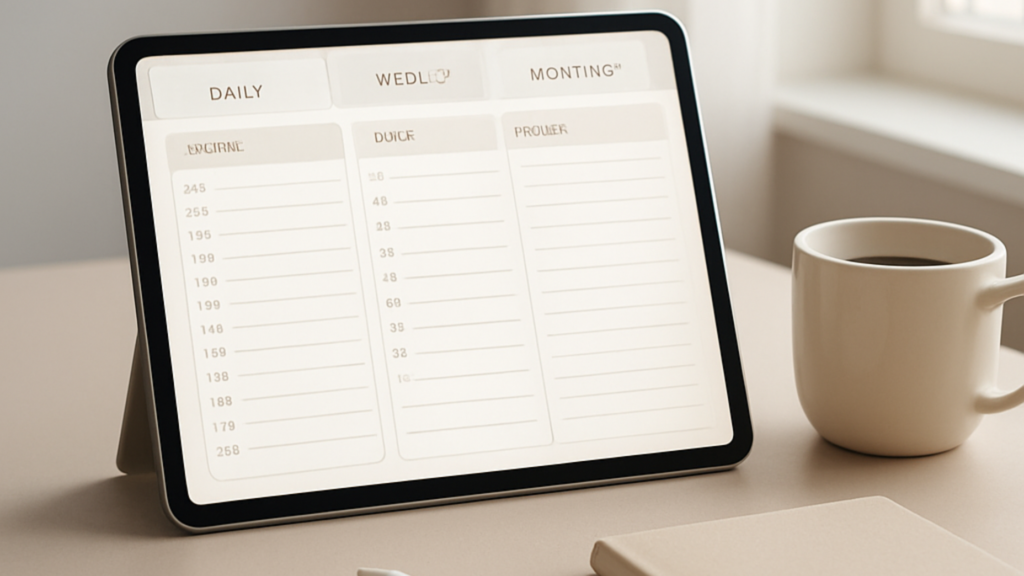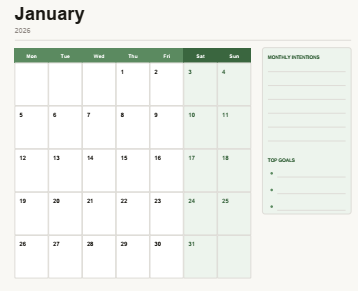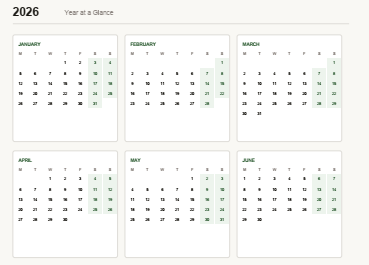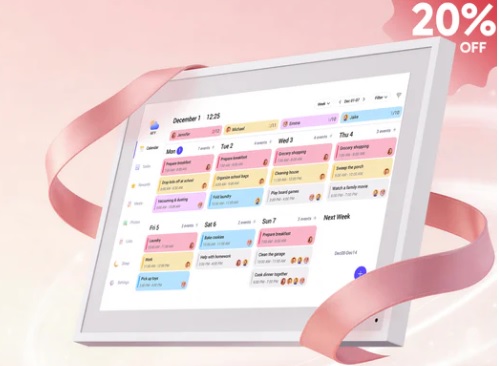
Looking for the best digital planner for iPad and not sure where to start?
Same. I’ve been there.
You open the App Store and there are literally hundreds of options. Some are free. Some cost more than a gym membership. And most of them look amazing in screenshots but fall apart the second you actually try to use them.
I’ve spent the last five years designing, reviewing, and testing digital planners. I’ve created guided planners for women, men, nurses, educators, students, and professionals. And I’ve watched a lot of people download planners they never open again.
So here’s my no-nonsense guide to the best digital planner for iPad in 2026 — what works, what doesn’t, and what’s actually worth your time.
- Why iPad Planning Is Having a Moment in 2026
- What Makes the Best Digital Planner for iPad?
- Top Digital Planner Apps for iPad in 2026
- Best Free Digital Planner 2026 Options Worth Downloading
- Best Digital Planners for Students
- Best Digital Planner Apps for MacBook 2026
- Touchscreen Agenda vs. Paper: What Nobody Tells You
- What Makes a Great Electronic Planner Tablet Experience?
- FAQs: Best Digital Planner for iPad 2026
- The Bottom Line on the Best Digital Planner for iPad
Why iPad Planning Is Having a Moment in 2026
Let’s be real. Paper planners are great. But they can’t hyperlink, they don’t sync, and you can’t undo a mistake with a tap.
Digital planner trends 2026 are all about flexibility. People want planners that:
- Work with their existing apps (GoodNotes, Notability, Noteful)
- Allow handwriting with an Apple Pencil
- Sync across devices
- Feel personal, not corporate
And iPad is leading that shift. It’s portable, it’s fast, and with the right planner, it becomes a genuinely powerful tool for organizing your life.
What Makes the Best Digital Planner for iPad?
Before we get into specific picks, let’s talk about what actually matters. Not all digital planners are created equal, and the difference between one you use daily versus one that collects digital dust comes down to a few things.
1. Hyperlinks That Actually Work
The whole point of a digital iPad planner is navigation. You should be able to tap a date on your monthly view and land directly on that day’s page. If you’re scrolling manually, that’s not a digital planner. That’s a PDF.
2. Design That Fits How You Think
Some people need a simple daily layout. Others want weekly spreads, habit trackers, goal pages, and budget sections. The best planner for iPad is the one that matches your brain, not the one with the most features.
3. Compatibility With Your Favorite App
The best digital planner for GoodNotes is going to look different from one optimized for Notability or Noteful. Always check what app a planner is designed for before you buy.
4. A Layout That Encourages You to Actually Open It
This sounds obvious but it’s the number one reason people abandon their planners. If the layout stresses you out or feels like a chore to fill in, you’ll skip it. Consistently.
If you want to skip the research and go straight to something that works, check out the best digital planner for iPad on Guided Planners. It’s designed to be intuitive, beautiful, and built for real life.
Top Digital Planner Apps for iPad in 2026
Here’s where most guides just list apps. I want to go a step further and tell you how to think about each one.
GoodNotes 5
Still one of the best digital planner apps for iPad, full stop. GoodNotes has smooth handwriting, solid PDF annotation, and a clean interface. Planners built for GoodNotes tend to have the richest designs because the app handles color and detail really well.
The downside? It’s not free. But if you’re serious about digital planning, the one-time cost is worth it.
Notability
Notability is fantastic for people who mix planning with note-taking. If you’re a student, educator, or someone who needs to write alongside your schedule, Notability’s combo of planning and annotation makes it one of the best iPad planners for that use case.
Apple Notes
Underrated. Free. Works everywhere. Not the flashiest option but if you want something that just works and syncs across all your Apple devices without any setup headaches, it’s worth a look.
Noteful
A rising name in digital planner apps for iPad. Clean interface, affordable, and gaining traction especially among digital planner trends 2026 communities. Worth watching.
Want a deeper breakdown of which planners actually hold up over time? Read best digital planners that actually work for real life.
Best Free Digital Planner 2026 Options Worth Downloading
Not ready to spend money yet? Totally fair.
Here are the best free digital planner 2026 options to start with:
- Free dated iPad planner PDFs you can download and use immediately in GoodNotes
- Undated templates that work for any month or year
- Minimalist one-page weekly planners for people who hate clutter
- Student-specific free planners with class schedules and assignment trackers
Try before you commit. A free planner is a great way to figure out what layout actually works for you before investing in a full planner system.
You can grab a free 2026 digital planner PDF download right now. No email required. Just download and go.
Best Digital Planners for Students
Students have a totally different set of needs. You’re juggling class schedules, assignment deadlines, exams, group projects, and probably a part-time job on top of all that.
The best digital planners for students include:
- A weekly view that shows your class schedule at a glance
- Daily pages with space for both tasks and notes
- A semester overview so you can see the whole term laid out
- A habit tracker because sleep, water, and exercise matter when you’re stressed
- Goal pages at the start of each month
The best planner for iPad for students isn’t the most complex one. It’s the one that’s simple enough to open daily and detailed enough to actually keep you organized.
If goal setting is part of your planning process, this goal planning planner template free PDF is worth bookmarking.
Best Digital Planner Apps for MacBook 2026
iPad isn’t the only device people are planning on. A lot of people want their planner to work across both their iPad and their MacBook.
The best digital planner apps for MacBook 2026 that also play well with iPad:
- GoodNotes (available on Mac, seamless iCloud sync with iPad)
- Notion (if you want a more structured, database-style planner)
- Apple Calendar plus a PDF planner (old-school hybrid that works surprisingly well)
- Craft (beautiful, block-based notes that work as a planning system)
The key is choosing tools that sync. You don’t want to update your planner in two places.
Touchscreen Agenda vs. Paper: What Nobody Tells You
People act like it’s a war. Paper planners vs. digital. You have to pick a side.
You don’t.
A touchscreen agenda on your iPad handles the logistics. Appointments, deadlines, recurring tasks. The stuff that needs to be searchable, editable, and synced.
A paper journal handles the reflection. The morning pages, the gratitude lists, the sketches and scribbles that help you process your week.
Use both. Most people who stick with planning long-term have some version of this hybrid system.
What Makes a Great Electronic Planner Tablet Experience?
If you’re using an iPad as your electronic planner tablet, here’s what separates a good experience from a frustrating one:
- Apple Pencil support is non-negotiable for handwriting
- A screen protector that mimics paper texture (Paperlike is the popular choice)
- A planner that’s designed for iPad dimensions, not just converted from a desktop PDF
- Dark mode options if you plan in the evening
- Widgets or app clips that let you add quick tasks without opening the full planner
The iPad itself is just hardware. The experience comes from how well your planner is designed for that specific environment.
Looking for something purpose-built? The free digital planner for iPad 2026 from Guided Planners is a great starting point.
FAQs: Best Digital Planner for iPad 2026
What is the best digital planner app for iPad right now?
GoodNotes is the most popular choice, and for good reason. It handles handwriting beautifully and has a huge library of compatible planner templates. That said, the best app depends on how you plan. Students often prefer Notability. Minimalists lean toward Apple Notes.
Is there a good free digital planner for iPad?
Yes. There are several solid free options including undated PDF planners you can import into GoodNotes or Notability right now. The best free digital planner 2026 picks are clean, functional, and don’t feel like a watered-down version of a paid product.
What is the best digital planner for GoodNotes?
Look for planners that are designed specifically for GoodNotes with fully functional hyperlinks, a dated layout, and a design that doesn’t slow down the app. Guided Planners has options built with GoodNotes in mind.
Are digital planners worth it?
For most people, yes. Especially if you already use an iPad daily. A digital planner removes the friction of carrying a paper planner everywhere, lets you search your notes, and keeps everything in one place. The return on investment is real if you actually use it.
What should I look for in a digital planner as a student?
Look for a weekly layout that includes a class schedule, daily task lists, an assignment tracker, and monthly goal pages. The best digital planners for students are structured enough to keep you on track but not so complicated that setup takes longer than actual studying.
How do I choose between dated and undated planners?
Dated planners are great if you want to start immediately and like seeing the specific days pre-filled. Undated planners are better if you want flexibility or don’t want to waste pages for months you skip. Both formats work well on iPad.
The Bottom Line on the Best Digital Planner for iPad
Planning works when your system works for you.
The best digital planner for iPad in 2026 isn’t the one with the most features or the prettiest cover. It’s the one you open every morning, actually fill out, and return to at the end of the day to reflect.
Start with something free to figure out what layout you like. Then invest in something designed for how your brain works.
After five years of creating and reviewing planners for all kinds of people, the one thing I know for sure is this: the best planner is the one you use.
Ready to find yours? Browse the best digital planner for iPad at Guided Planners and find a system that actually sticks in 2026.